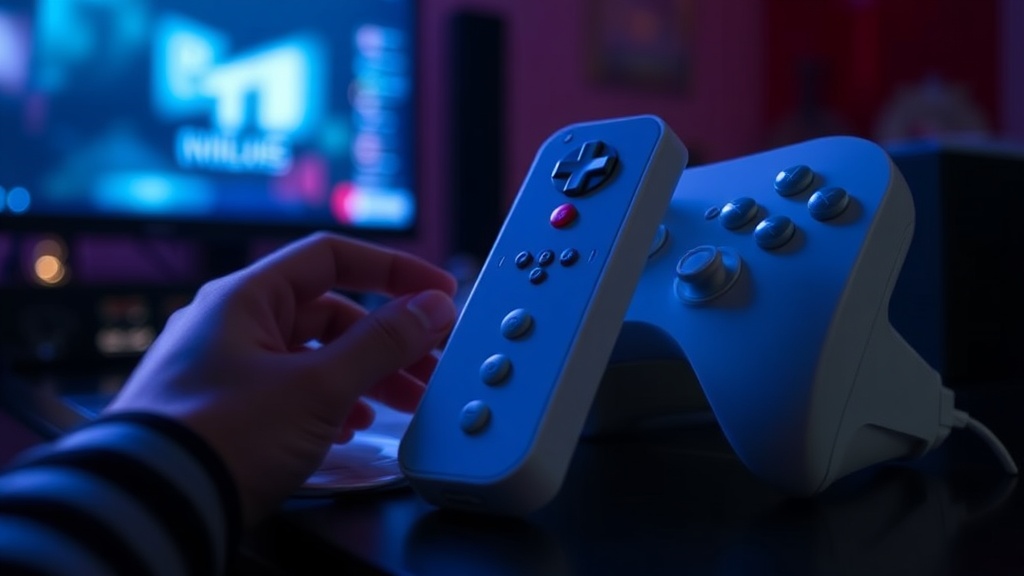
Protecting Your Wii Remote Sleeves from Yellowing

Quick Tip
Store your silicone accessories in a cool, dark place away from direct sunlight to prevent UV-induced yellowing.
Did you know that even a few hours of direct sunlight can permanently alter the chemical structure of plastic? Most collectors don't realize that the translucent or white silicone sleeves used for Wii Remotes are incredibly susceptible to UV degradation. This post focuses on the specific methods you can use to prevent the dreaded "yellowing" effect on your Nintendo Wii accessories.
Why do Wii Remote sleeves turn yellow?
The yellowing is primarily caused by a process called photo-oxidation, where UV light and heat break down the polymer chains in the material. If you use cheap silicone skins, they often contain flame retardants or chemical additives that react to light. It's a frustrating sight when a pristine white sleeve turns a sickly mustard color—especially for those of us trying to maintain a high-grade collection.
To keep your gear looking fresh, you need to manage three specific variables: light, heat, and skin oils.
How can I prevent UV damage to my collectibles?
The most effective way to prevent UV damage is to store your Wii accessories in a dark, UV-protected environment. While many collectors display their gear on open shelves, this is a mistake for light-sensitive plastics. Use a display case with UV-resistant acrylic or keep your items in an airtight bin when not in use.
Here is a quick breakdown of common storage methods:
| Storage Method | UV Protection Level | Best For... |
|---|---|---|
| Open Shelf Display | Low | Short-term viewing |
| Glass Display Case | Medium | Regular display |
| Airtight Plastic Bin | High | Long-term archival |
If you are worried about the longevity of your hardware, checking the science of polymerization can help you understand how these materials degrade over time. It's a bit technical, but it explains why heat is just as much an enemy as light.
What is the best way to clean silicone sleeves?
You should clean your sleeves frequently with a mild, pH-neutral soap and lukewarm water to remove skin oils. Oils from your hands can seep into the pores of the silicone, accelerating the discoloration process. (I've seen many collectors ruin a perfectly good sleeve by using harsh chemicals like bleach or acetone—don't do that!)
- Remove the sleeve from the Wii Remote.
- Rinse with lukewarm water and a drop of mild dish soap.
- Pat dry with a lint-free microfiber cloth.
- Avoid direct sunlight while drying.
Keeping your hardware clean is part of the same maintenance required for keeping your Wii MotionPlus controllers in pristine condition. If you're looking for 9 Wii Sports collectibles that actually hold value, maintaining the original color is a huge part of that equation.
Worth noting: if your sleeves are already yellow, it is very difficult to reverse the process. Most "whitening" kits use hydrogen peroxide, but these can actually make the plastic more brittle if used incorrectly. It's usually better to replace the sleeve than to risk damaging the controller underneath.