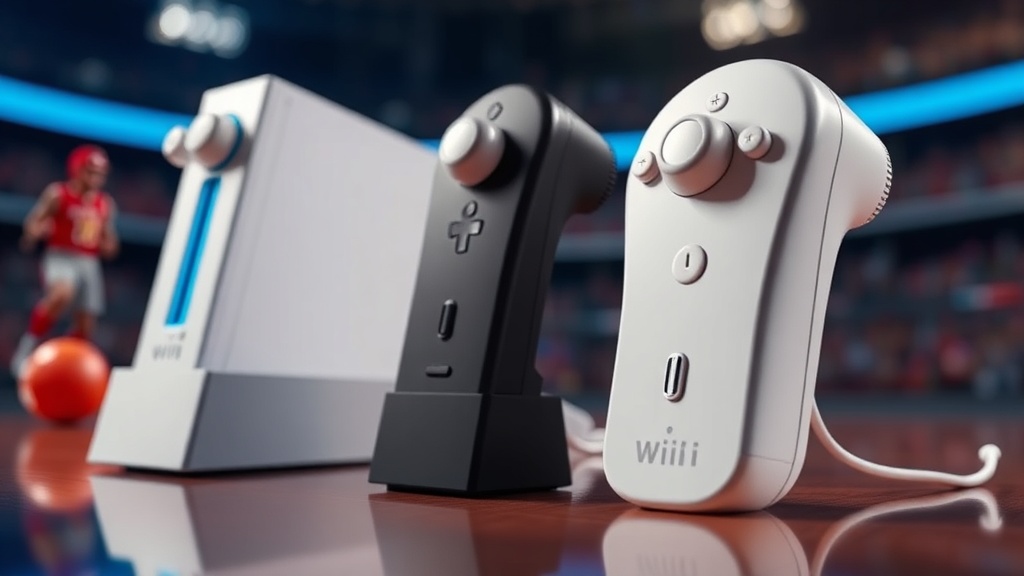
The Evolution of Wii Sports Accessory Design

Why did the design of the Wii Remote feel so much more substantial than the controllers that followed it? This post examines the design-to-functionality evolution of Wii Sports peripherals, specifically looking at how hardware design influenced the collectible value of these items today. We'll look at the shift from the standard Wii Remote to the specialized peripherals like the Wii MotionPlus and the various specialized grips that defined a generation of motion gaming.
How did the Wii Remote design change over time?
The original Wii Remote design focused on a standard handheld grip, but it underwent significant changes to accommodate more precise motion tracking. The initial release of the Wii Remote was a standalone device, but as gamers demanded more precision for sports simulations, Nintendo introduced the Wii MotionPlus. This was a hardware add-on that plugged into the bottom of the remote to provide 1:1 tracking capabilities.
The design shift wasn't just about internal sensors. It was about the physical ergonomics of how we held the controller during high-intensity games like Tennis or Baseball. The original remote was sleek and simple. However, the introduction of the MotionPlus meant collectors often look for the "version 2" style—the Wii Remote Plus—which has the expanded sensor integrated directly into the chassis. This version is often more desirable for collectors because it represents the peak of the Wii's hardware capabilities.
If you're looking at the hardware through a collector's lens, the build quality matters. The original white plastic was iconic, but it was also susceptible to certain types of wear. For instance, if you want to maintain the aesthetic of your collection, you should learn about protecting your Wii Remote sleeves from yellowing to keep that pristine white look.
The evolution followed a specific path:
- Standard Wii Remote: The foundational device with basic accelerometer-based motion.
- Wii MotionPlus (Add-on): A dongle that attached to the bottom to increase rotational accuracy.
- Wii Remote Plus: An integrated version that combined the remote and the motion sensor into one unit.
- Nunchuk Integration: A secondary controller designed to expand the range of motion for more complex sports movements.
It's a subtle distinction, but for a serious enthusiast, the difference between a standard remote and a MotionPlus-enabled unit is huge. One feels like a toy; the other feels like a specialized instrument.
What makes Wii Sports accessories valuable to collectors?
Collector value is primarily driven by the rarity of the specific peripheral and its physical condition. While standard Wii Remotes are abundant, specialized accessories like the Nunchuk, the Wii Zapper, or the original Wii Balance Board are much harder to find in "New in Box" (NIB) or pristine condition. The value often hinges on whether the item includes the original packaging and the specific hardware required for full functionality.
The Wii Balance Board, for example, is a unique piece of hardware. It wasn't just a controller; it was a weight-sensing platform. Because it was a larger, more cumbersome item, finding one that hasn't been scuffed or damaged by heavy use is difficult. This makes it a high-value item for those looking to complete a "full experience" collection.
Consider the following breakdown of common accessories and their collector profiles:
| Accessory | Primary Use | Collector Rarity | Primary Value Driver |
|---|---|---|---|
| Wii Remote (Standard) | General Motion | Low | Mint condition/Original Box |
| Wii MotionPlus | Precision Sports | Medium | Functionality and original dongle state |
| Nunchuk | Extended Movement | Medium | Cable integrity and connector cleanliness |
| Wii Balance Board | Fitness/Weight Sensing | High | Original packaging and sensor accuracy |
| Wii Zapper | Shooting/Target Games | High | Completeness of the peripheral set |
The market for these items is driven by nostalgia. People don't just want a controller that works; they want the exact one they used in 2007. This is why the "feel" of the hardware is so important. If you're building a collection, you're not just buying plastic; you're buying a piece of gaming history. That's why checking the Wii hardware specifications via Wikipedia or similar technical archives is a smart move before making a purchase.
One thing to watch out for is the "feel" of the buttons. Over years of use, the buttons on the Wii Remote can become "mushy." This is a common issue with older hardware. If you're buying a used unit, always ask about the tactile response of the A, B, and 1, 2 buttons. A "mushy" button significantly lowers the resale and collectible value.
How can I identify high-quality Wii accessories?
High-quality accessories are identified by their weight, the responsiveness of their internal sensors, and the lack of physical degradation like yellowing or surface scratches. When inspecting a Wii Remote or a Nunchuk, look closely at the battery compartments. A clean, corrosion-free battery compartment is a sign of a well-maintained item. If you see white powder or rust, the item has likely suffered from battery leakage, which is a death sentence for collector value.
The weight of the device is another tell. The Wii Remote was designed to feel substantial in the hand. If a third-party "knock-off" version is being sold as an original, it will often feel lighter and less balanced. This is especially true for the Wii MotionPlus. The official Nintendo-branded hardware has a specific center of gravity that makes the motion tracking feel fluid. Third-party alternatives often feel clunky and lack that precision.
If you are looking to display your items, remember that light is your enemy. Even if an item looks great now, UV rays will eventually degrade the plastic. I've written extensively about avoiding sunlight damage to your Wii Sports display, and it's a rule that applies to almost every white-plastic Nintendo product from this era.
Here's a quick checklist for inspecting a Wii accessory before buying:
- Check the Battery Terminals: Ensure there is no corrosion or acid leakage.
- Test the Motion Sensor: If it's a MotionPlus model, ensure the sensor responds to rotation.
- Inspect the Plastic: Look for "yellowing" or discoloration, which indicates age and light exposure.
- Verify the Connection: For the Nunchuk or MotionPlus, ensure the connection ports are tight and not loose.
- Examine the Buttons: Press every button to ensure they have a crisp, tactile click.
The design of these accessories was revolutionary for its time. It moved gaming from a sedentary, button-pressing experience to a physical, spatial one. For the collector, this means we aren't just collecting a controller; we're collecting the way we interacted with digital space. The evolution from the basic remote to the integrated MotionPlus-equipped units represents the rapid advancement of consumer-grade motion technology.
The Wii era was a unique moment in gaming history where hardware and software were perfectly in sync. The design of the accessories wasn't just an afterthought—it was the entire point of the console. Whether you're chasing the perfect Nunchuk or a pristine Wii Balance Board, understanding these design nuances will help you build a more valuable and authentic collection.